
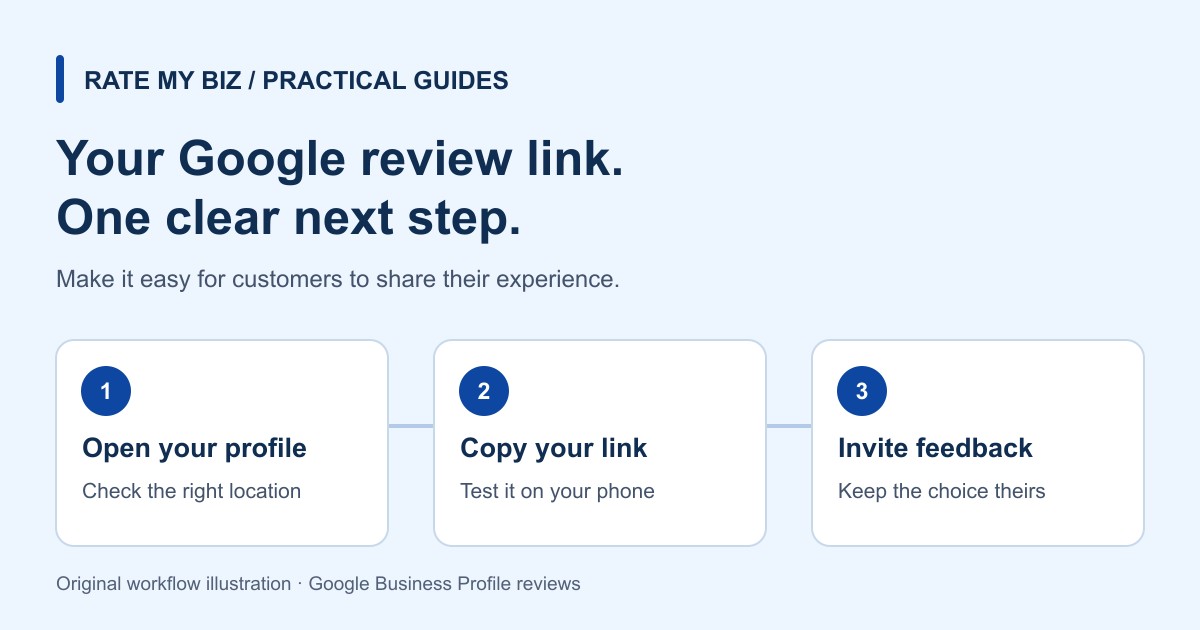
How to Get a Google Reviews Link and More Customer Reviews
Find your Google review link, send it to customers, and build an honest review routine with message templates, QR tips, and Google's official guidance.
Guides & Resources
Practical advice for collecting honest reviews, learning from feedback, and making the most of your Rate My Biz profile. Pick a topic and take your next step.
Start here
Start with the essentials: create your profile, add your business details, and get ready to invite your first customer review.
Read the Getting Started GuideCreate Your First Business Review Page
3 min read · A clear first stepExplore the library
Product walkthroughs and practical advice for everyday business.
Find your Google review link, send it to customers, and build an honest review routine with message templates, QR tips, and Google's official guidance.
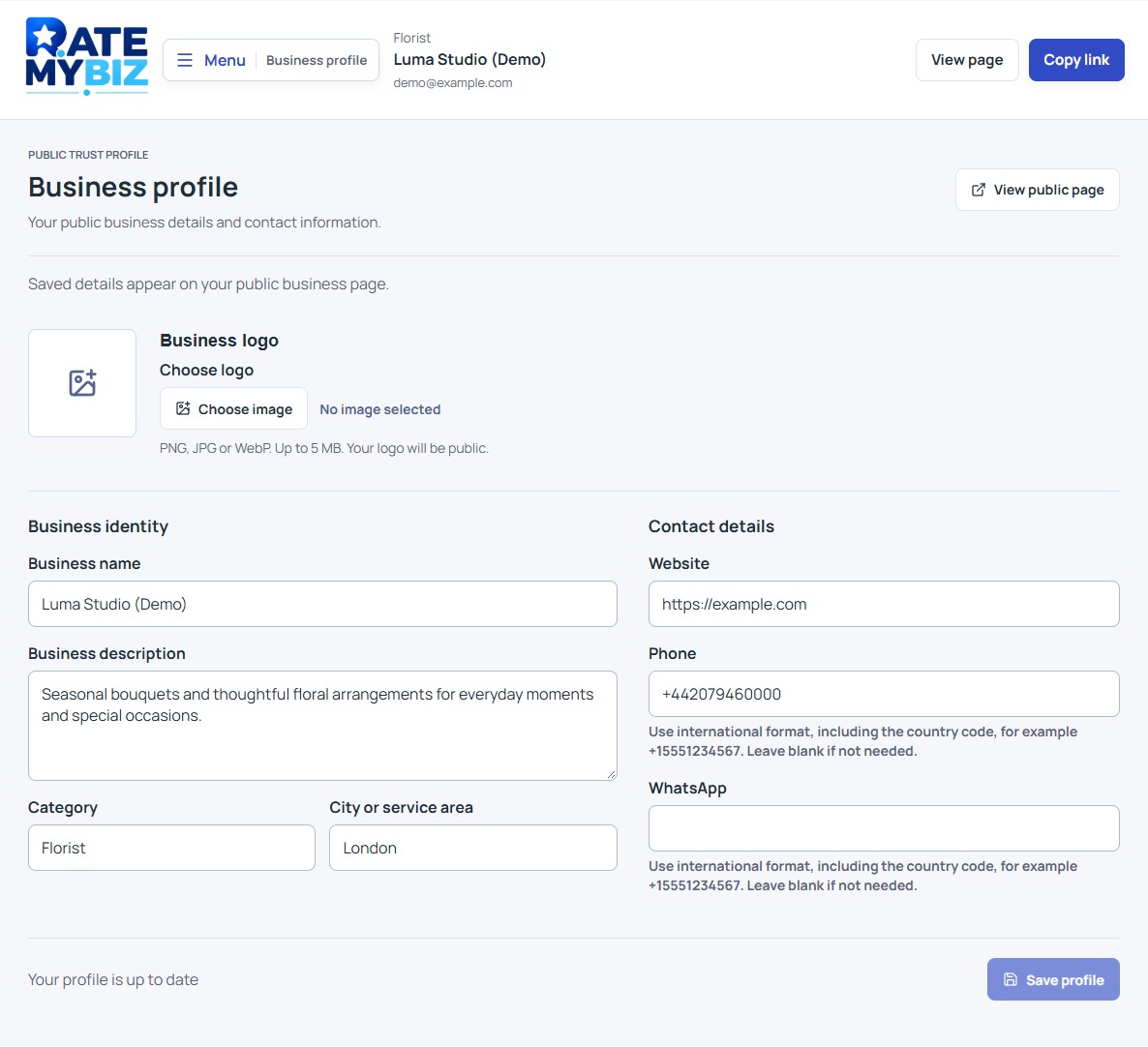
Set up your account, publish a useful business profile, and choose the right link for your first customer review request.
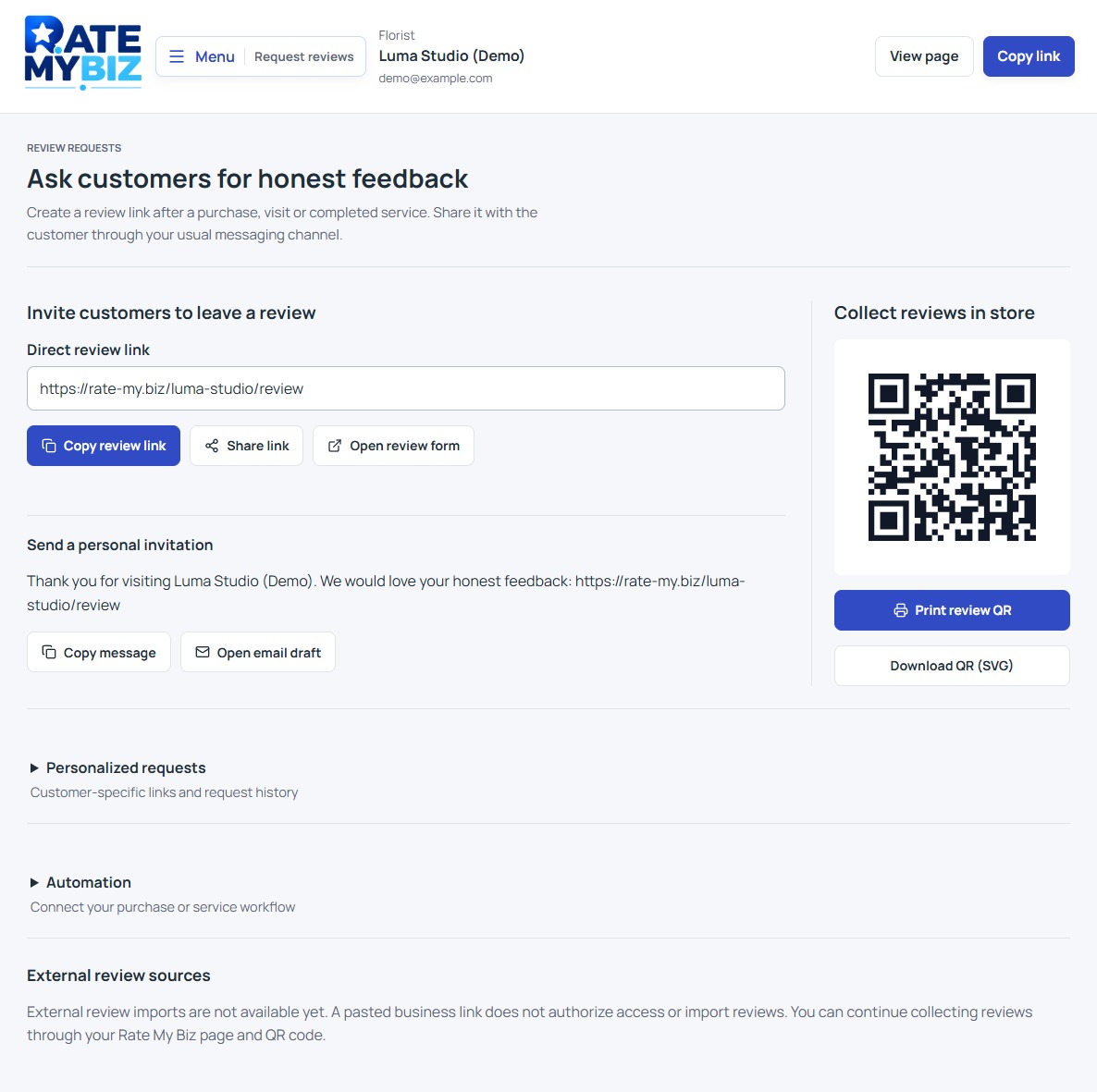
Create a customer review link, write a neutral invitation, and understand what request statuses do and do not tell you.
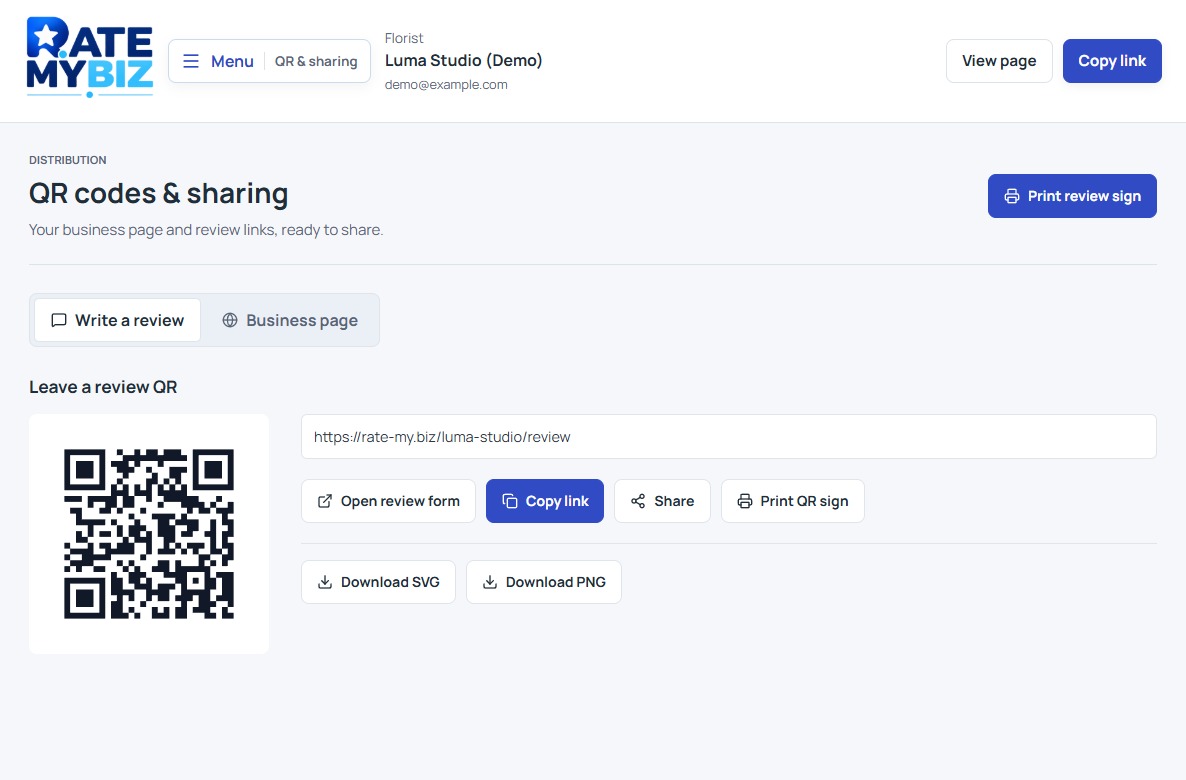
Choose the right QR destination, download or print your code, and check that customers can use it comfortably on their phones.
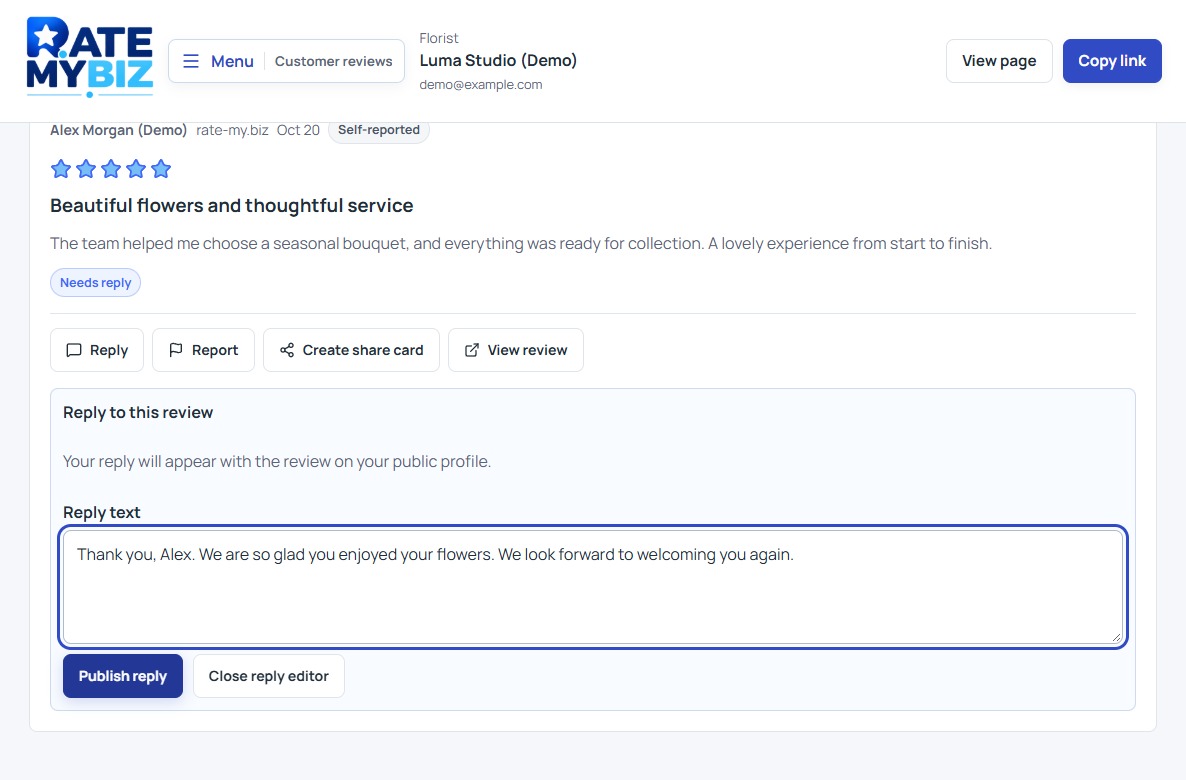
Find reviews that need a reply, publish a useful response, and handle praise or criticism without exposing private customer details.
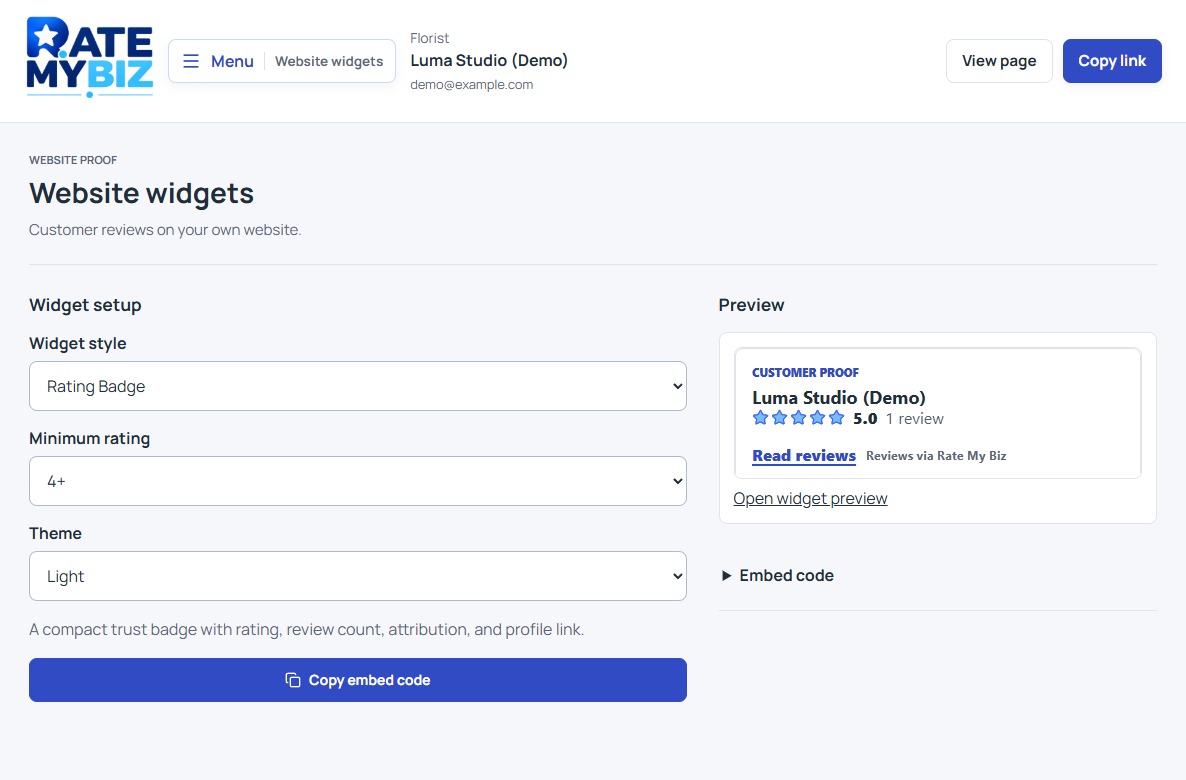
Share public review cards and add website widgets while keeping the customer's words, source, and rating in context.
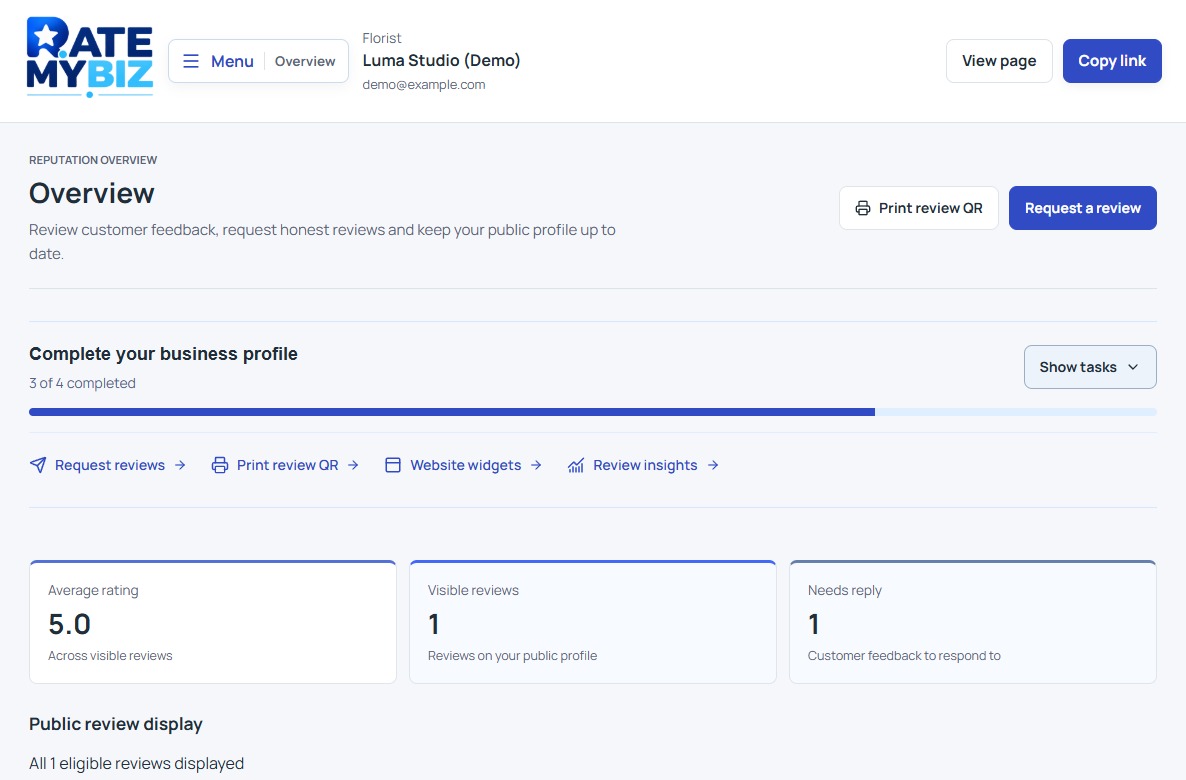
Learn how public ratings, confirmation labels, plan allowances, reports, and selected widgets fit together.
Put it into practice
Give customers the essentials about your business and a clear place to share their experience.
Set up your business profileMake review requests part of your routine with a personal message, a link, or a QR code.
Learn how to ask for reviewsRead what customers share, respond thoughtfully, and turn their feedback into useful next steps.
Learn how to respond to reviews