Create Your First Business Review Page
Your Rate My Biz page gives customers one place to read reviews, learn about your business, and share their own experience. You can start on the Free plan without a credit card or an existing website. Begin with accurate business details, then build a repeatable habit of inviting feedback.
Prepare the Details Customers Recognize
Use the business name customers see on your storefront, booking confirmation, or invoice. Have your category, country, and city ready, along with an email address you can access. Choose details that help someone distinguish your business from another with a similar name.
Prepare a short description of what you do and whom you serve. Specific services and a clear service area are more useful than broad claims such as 'the best in town.' You can edit the profile after publishing, so you do not need a long introduction to begin.
Create and Confirm Your Account
Choose 'Start Free' on the website. Signup takes you through Business, Account, and Details. Your email must be confirmed before the business profile can be published.
- Enter your Business name and choose Continue.
- Choose Continue with email. Enter your Work email and a password, then confirm that you are authorized to manage the business.
- Choose Send verification email. Enter the full One-time code from your inbox and choose Verify and continue, or follow the secure email link.
- Choose your Business category, Country, and City, then select Publish my review page.
Make Your Public Profile Useful
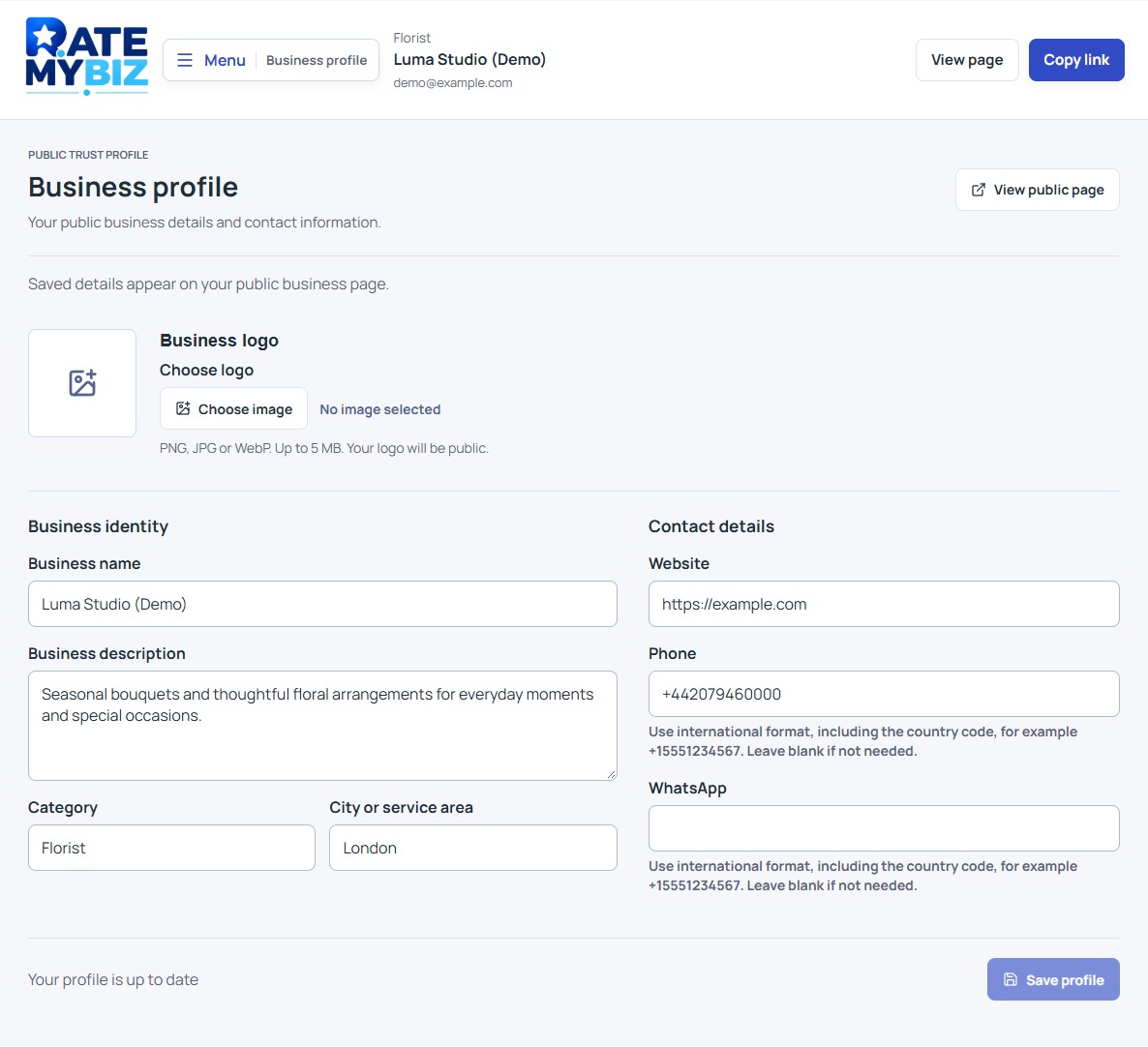
After publication, choose 'Open dashboard' and open 'Profile.' Review Business name, Business description, Category, and City or service area. Add Website, Phone, or WhatsApp where useful. Phone fields use international format, including the country code.
Choose 'Save profile' when you finish. An 'Unsaved preview' is not confirmation that your public page has changed. Wait for the save confirmation, then open your public page and check the details as a customer would. Keep private account information out of the public description.
 View Full-Size Screenshot(opens in a new tab)
Choose the Link That Fits Your Goal
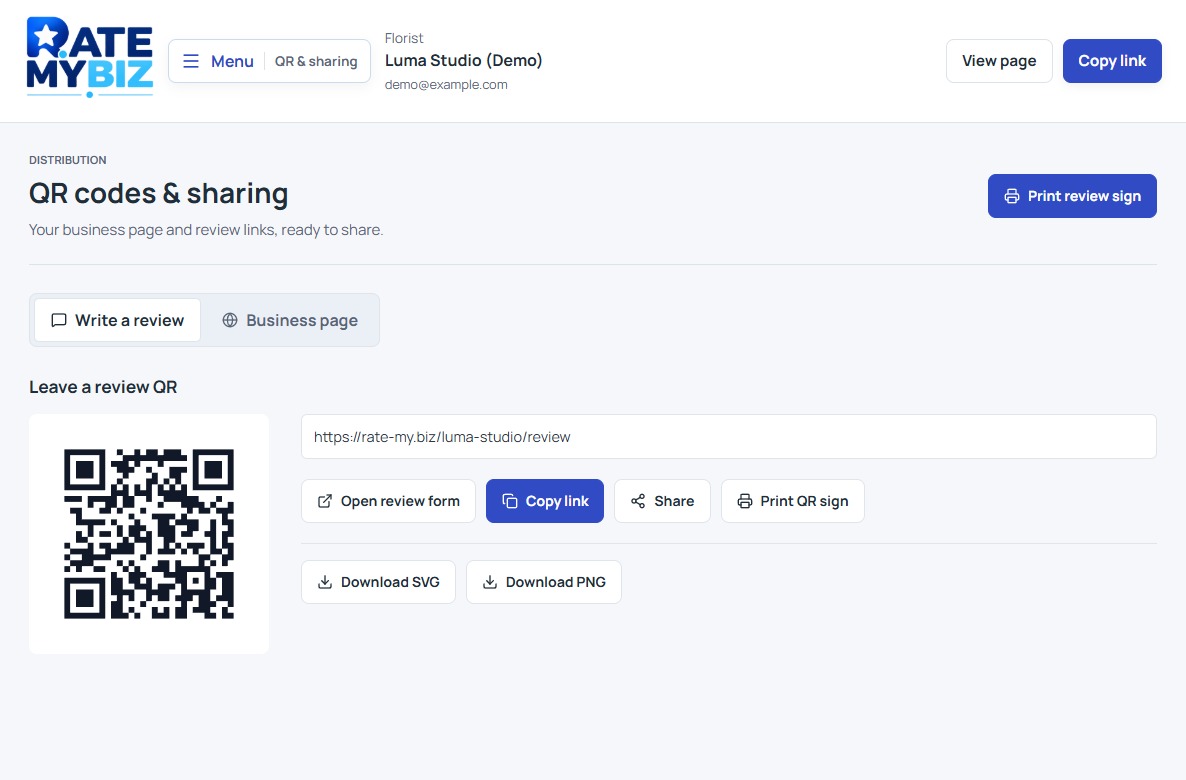
Open 'QR & Share' to find two destinations. 'Read reviews QR' opens the public profile; 'Leave a review QR' opens the review form. Choose 'View page' to check either destination, or 'Copy link' to use its address in a message.
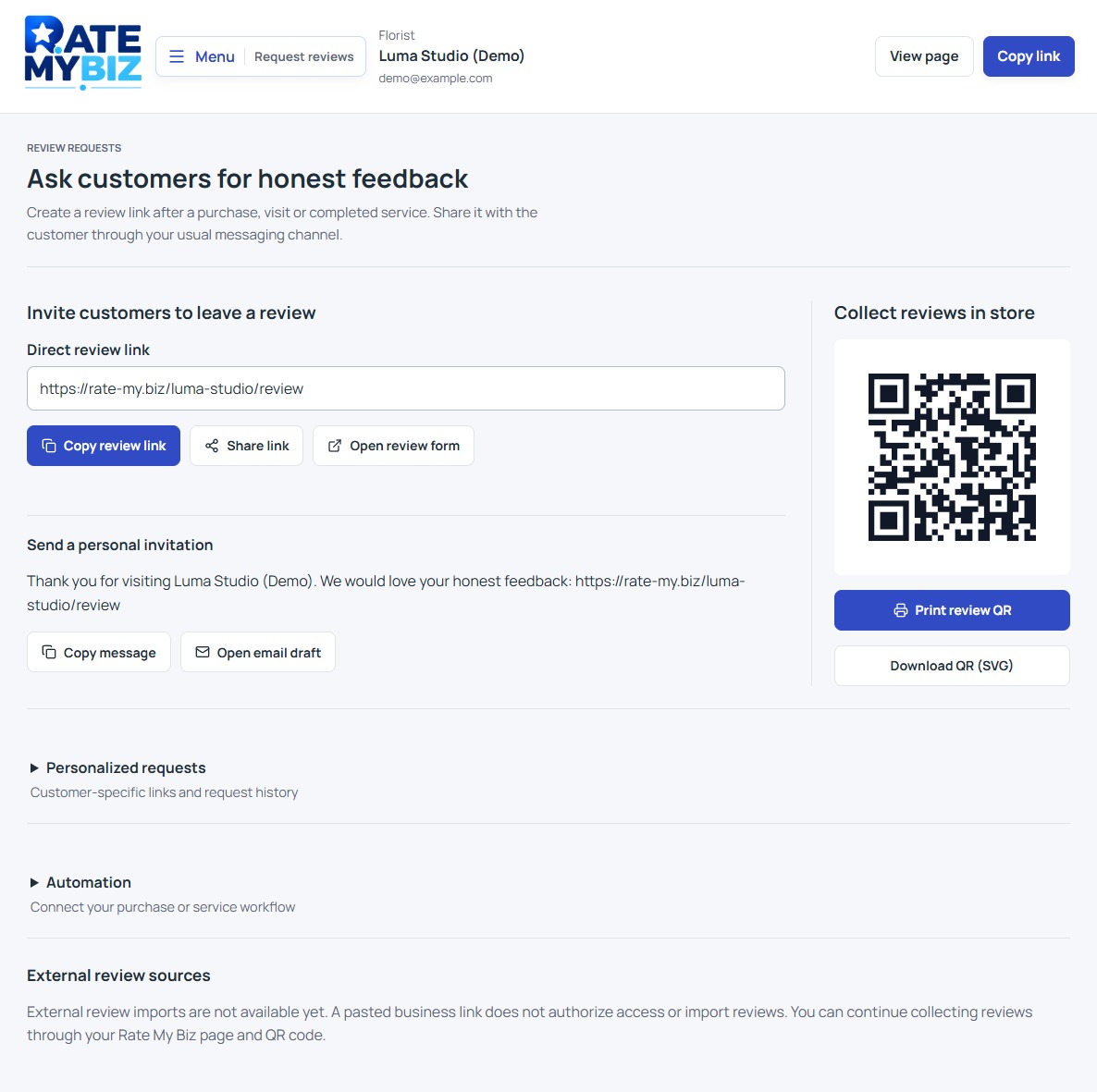
For a personal invitation, open 'Review requests.' Manual invitations are available on Free and create a link tied to the customer email you enter. Creating a link does not send a message: you copy or share it through your own channel. API automation requires Business or Enterprise.
Learn How to Ask for ReviewsBuild a Simple Review Routine
Invite customers after a completed purchase, visit, or service, using the same neutral wording for everyone. Customers choose their rating, write their review, and confirm access to their email before publication. Email confirmation does not verify a purchase or guarantee the review's accuracy.
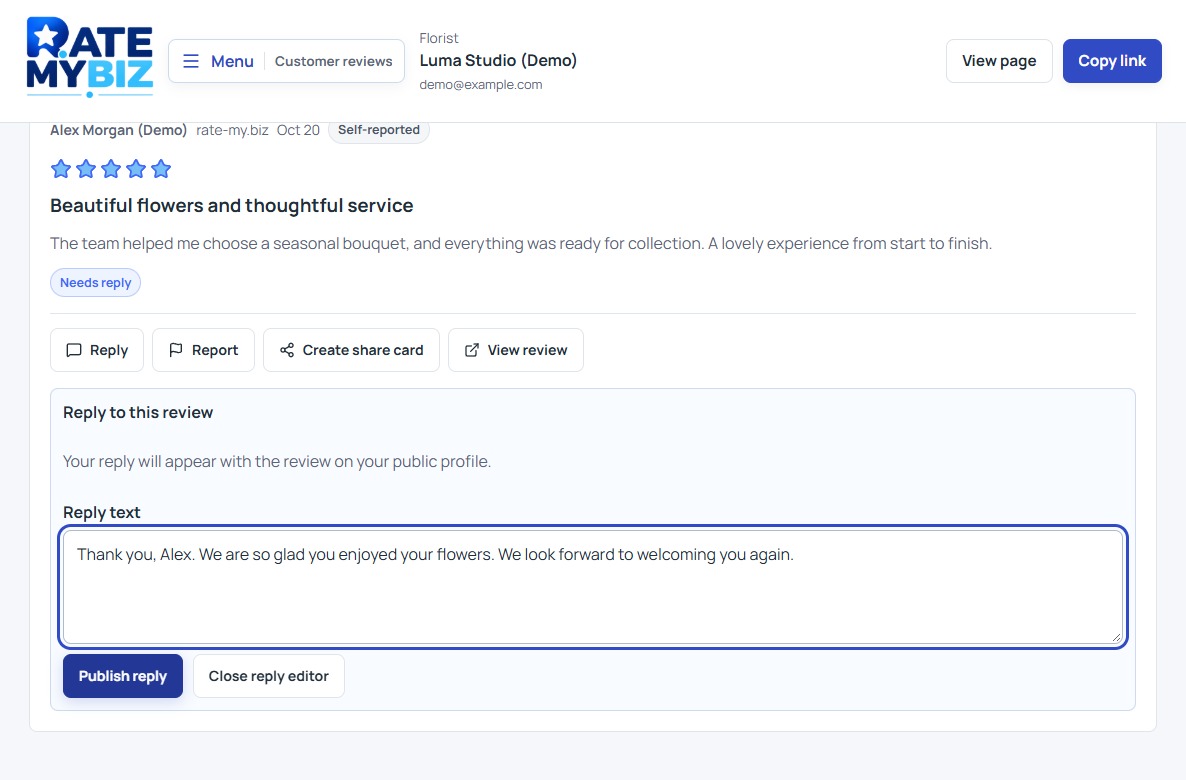
Return to 'Reviews' regularly to read feedback and respond. Start with a manageable routine: check your public details, invite eligible customers consistently, and answer outstanding reviews. New accounts begin without reviews; do not fill the page with invented examples or reviews written by your own staff.
Keep this in mind
Key Takeaway
Publish accurate details, check your public page, and share the right review link. A useful profile and a consistent invitation habit are a strong starting point.