Ask Customers for Honest Reviews
A good review request identifies your business, the experience, and the next step. It gives customers room to describe both positives and problems. Manual review links are available on every plan, including Free. Rate My Biz creates the link; you send the invitation through a channel you already use.
Choose a Consistent Moment to Ask
Choose an event that means the customer has experienced your service: a delivered purchase, a completed visit, or finished work. Build your request around that event instead of guessing whether the customer is likely to leave a high rating.
Use the same invitation approach for customers with different experiences. Do not direct satisfied customers to the public review form while sending dissatisfied customers somewhere else. Keep customer support available alongside the review invitation, without making a support conversation a condition for leaving feedback.
Create a Customer Review Link
Open 'Review requests' in your dashboard. The 'Create a customer review link' form creates an invitation for a specific recipient. Your workspace role must permit invitations; a paid plan is not required for this manual workflow.
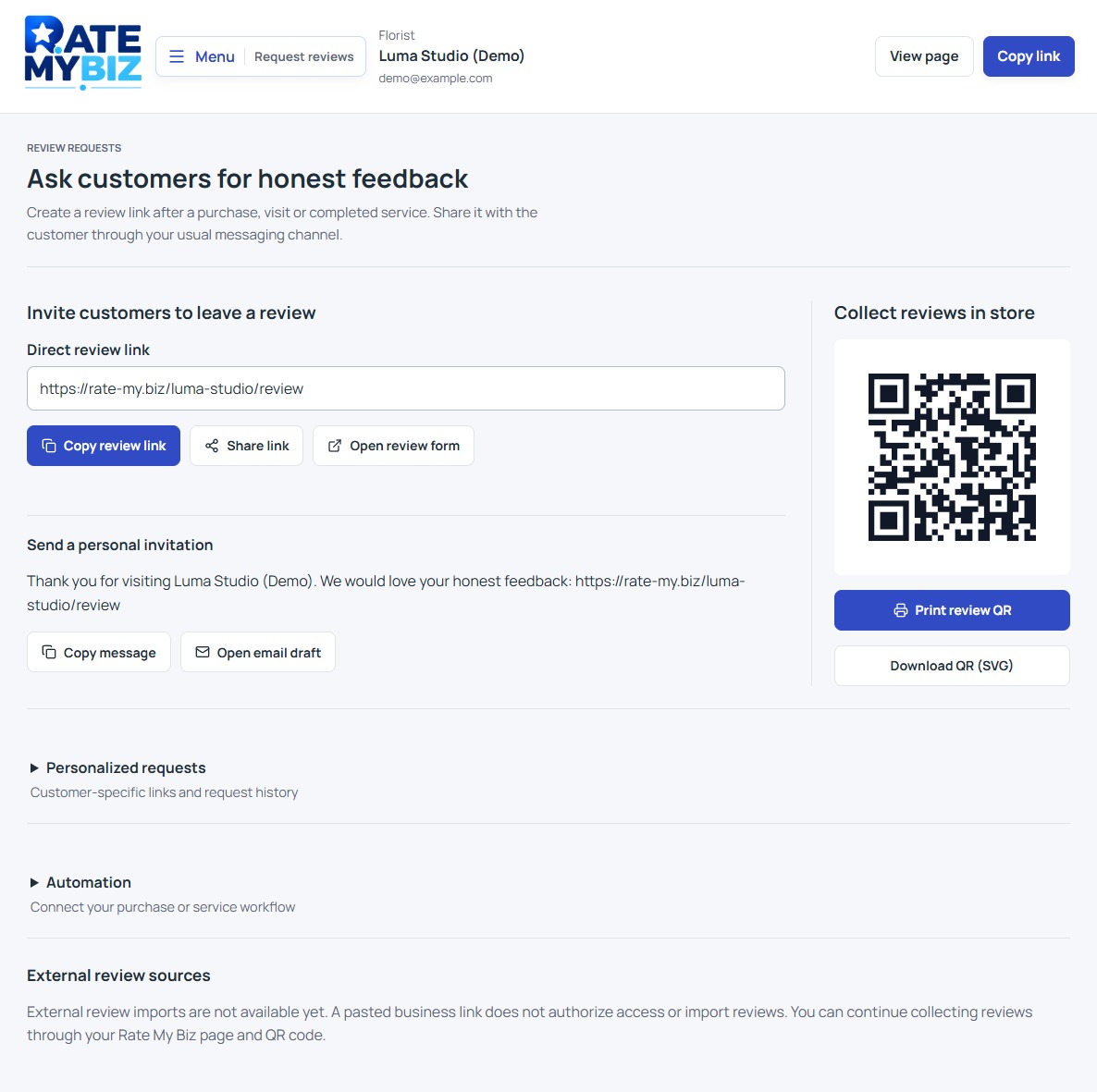 View Full-Size Screenshot(opens in a new tab)
- Enter the Customer name and Customer email, checking the address carefully.
- Under Completed event, choose Purchase completed, Visit completed, or Service completed.
- Choose Create review link. Wait for Review link created and check the displayed Expires date.
- Choose Copy review link or Share review link, then send it to the intended customer through your usual channel.
Keep the Invitation Short and Neutral
Identify your business and the completed experience. Ask for an honest review in the customer's own words, with one clear link. Avoid writing the review for them, suggesting a star rating, or making a reward depend on positive feedback.
Personalize the greeting if appropriate, but leave out order details or other information that does not belong in a message preview. The invitation link is intended for that recipient. Use your general review-form link or QR code for public signs instead.
Explain the Email Confirmation Step
A customer using a personal invitation must confirm the email address connected to that invitation. They enter their rating, review text, public display name, and email, then follow the confirmation step. Their confirmation email is not displayed publicly with the review.
If the customer cannot use the link, first check that you sent the correct invitation and that it has not expired or already been completed. Do not ask them to share their confirmation code with you. Email confirmation establishes access to an address; it does not independently prove a purchase or the truth of the review.
Read How Review Confirmation WorksRead Request Statuses Carefully
Use 'Recent requests' and 'Refresh statuses' to check recorded progress. 'Link created' means the invitation exists; it does not mean an email was sent, delivered, or read. 'Review completed' means a review was saved. Your own email or messaging tool provides its own delivery information.
If creation fails, 'Try again' retries the same request. Use 'New request' to change details or begin a separate customer event. Avoid repeatedly inviting the same person. Review-request API automation requires Business or Enterprise, plus owner or admin access to manage keys. Your automation still sends the generated link through your own messaging service.
Keep this in mind
Key Takeaway
Ask after a real experience, invite feedback without steering the rating, and send each personal link to its intended recipient.