Understand What Your Review Rating Means
A review score summarizes customer feedback. Read it alongside the review count, comments, and confirmation labels. Rate My Biz keeps the public rating independent of payment and explains the limits of review confirmation.
Read the Score Alongside the Reviews
The public average includes published reviews that meet the platform's public visibility rules. Two businesses with the same average may have very different review histories. Notice the number of reviews and the experiences people describe, rather than treating the score as a complete verdict.
A new business may have no rating yet. Individual reviews can move a small average noticeably. Look for recurring themes before drawing conclusions from one change, and avoid promising that a particular action will produce a higher score.
Understand What Confirmation Labels Establish
Labels add context, but they do not guarantee that every statement is accurate. 'Email confirmed' means the reviewer demonstrated access to an email address. It does not establish their identity or prove a purchase.
'Invited reviewer' means the person used a business invitation and confirmed the matching email. The business supplied that invitation, so it is not independent transaction verification. If a 'Transaction linked' label appears, it describes a connection to a transaction record rather than a guarantee about the review's content.
- Read the review itself, including any specific explanation of the experience.
- Treat a confirmation label as context with defined limits, not a quality score.
- Avoid describing all confirmed-email reviews as verified purchases in your own marketing.
Separate Your Plan from Your Public Rating
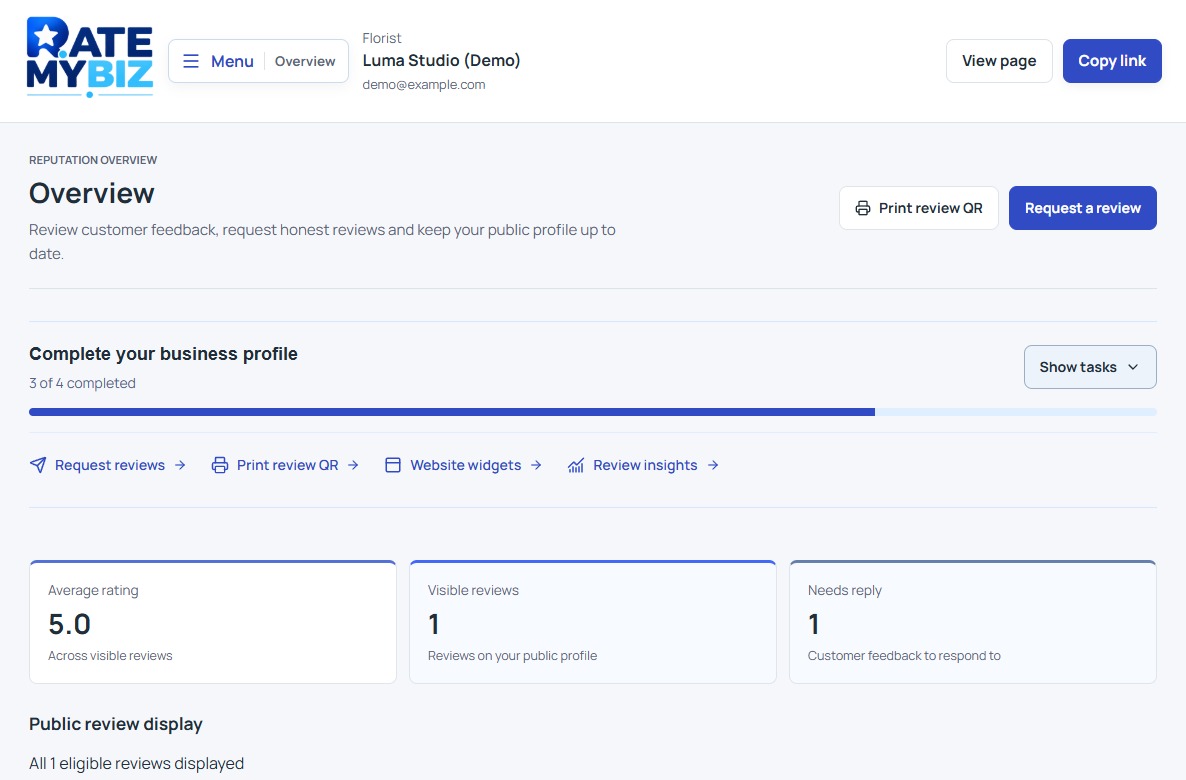
Free displays your 20 newest eligible reviews; paid plans display all eligible reviews. All eligible published reviews contribute to the overall rating, including reviews outside the Free display limit. Paying does not remove negative reviews, give positive reviews extra weight, or purchase a better rating.
Use 'Overview' for review metrics and 'Plan & billing' to inspect your plan. Display limits describe your account; the public score describes eligible published feedback. A plan limit is not an instruction to remove reviews or invite only customers likely to award five stars.
 View Full-Size Screenshot(opens in a new tab)
Distinguish the Full Rating from a Selection
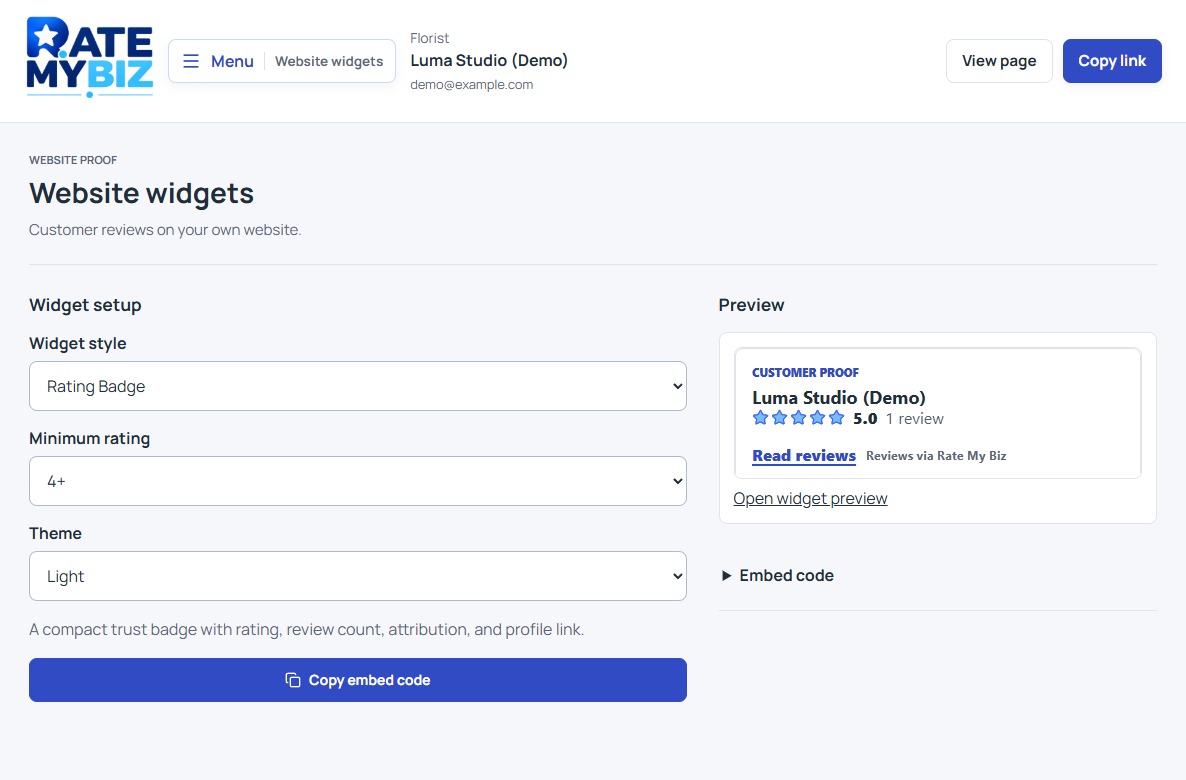
Review cards, available on Starter and higher tiers, highlight one experience. Widgets, available on Growth and higher tiers, may select reviews by minimum rating. Neither selection changes the overall public average. Readers can follow the link back to the business profile for a broader view.
Separate provider summaries are labeled and are not added to the overall rating. Do not combine averages from different services and present the result as the Rate My Biz score. Live importing or syncing from external review services is not currently available in the dashboard.
Use Feedback to Choose a Practical Improvement
Read a group of reviews and note repeated topics, such as appointment expectations, delivery communication, or the clarity of instructions. Choose one issue you can act on, assign a practical next step within your business, and continue inviting feedback consistently afterward.
Respond to criticism where useful. If there is a specific policy concern, submit a report with a reason and relevant context. A report alone does not hide the review; removal depends on its status after assessment. Improving the customer experience is a more useful goal than trying to control which opinions appear.
Keep this in mind
Key Takeaway
Use the rating as a starting point, read the underlying experiences, and understand each label. Payment and selected marketing content do not change the public score.